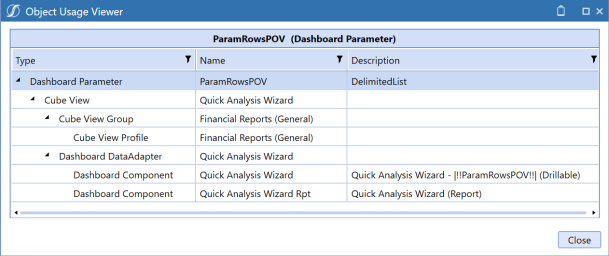
Perform these steps to access a list of objects to which a parameter is assigned:
-
Click Application > Presentation > Dashboards.
-
Click the dashboard maintenance unit associated with the parameter, and then Parameters.
-
Click the parameter and then Show Objects That Reference The Selected Item. This lists all the objects that use the parameter.