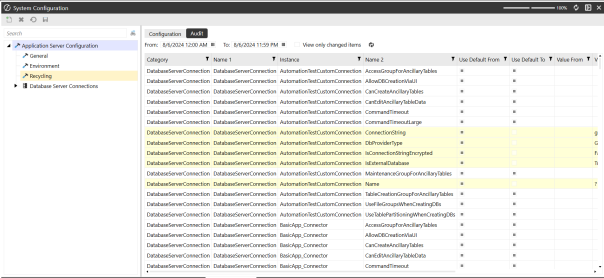
Configuration setting changes are tracked via the Audit tab. View changes by navigating to System > System Configuration > Audit.
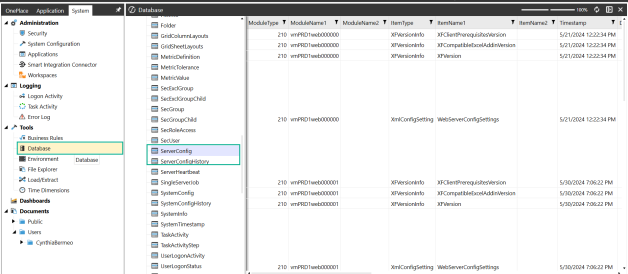
System Database Tables audits are viewed by navigating to System > Tools > Database > SystemConfig.
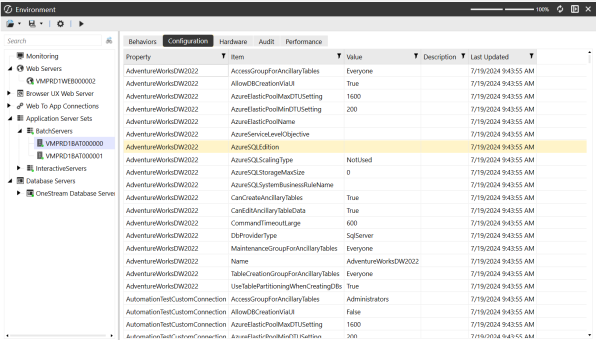
The Environment will show what settings the server is currently using. The server updates every 2 minutes. Here the user can see what settings are being picked up. The “Last Updated” column shows the date and time settings were changed. Regardless of what type of connection (Internal, External, Custom) any available configurations that can be changed will show up here.
Environment audits are viewed by navigating to System > Tools > Environment > Application Server Sets