OneStream lets you save documents or upload documents from your device into the application. These documents are stored in one of three file storage root folders:
-
Application Database: Displays stored documents for the current application only.
-
System Database: Displays stored documents for the entire system without affecting the current application.
-
File Share: This is a self-service directory that temporarily stores files before they are imported into the Application or System Database.
File Explorer is the product tool inside the Windows Application that lets you browse saved documents or upload new ones.
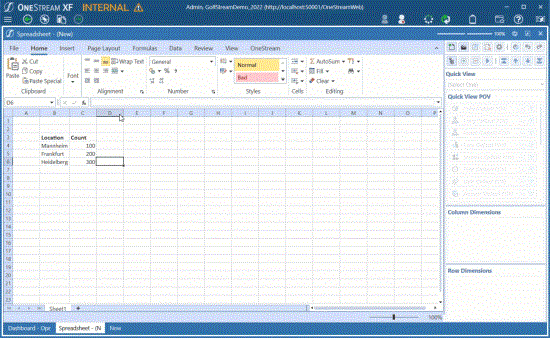
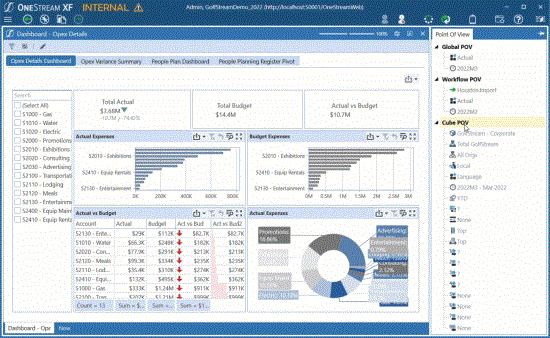
For example, a spreadsheet can be saved to any of the three root folders. A Cube POV can be saved to either the application or system folders.
A Cube POV can be saved to either the application or system folders.
File Explorer is available from the main toolbar.

File Explorer is also available on the System tab.

The Dashboard component “File Viewer” also launches the File Explorer component.

Finally, there is a BRAPI used by OneStream Solutions or custom-developed dashboards to upload documents.


