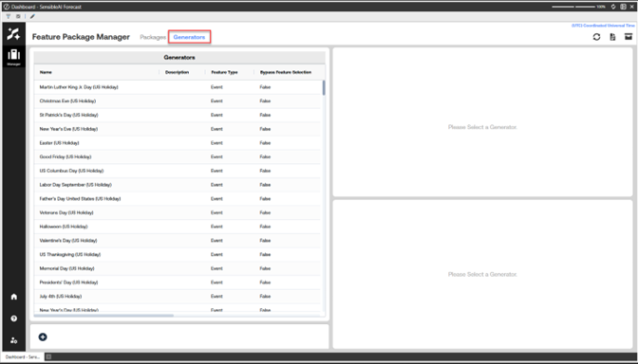
Feature Package Manager (FPM) is the SensibleAI Forecast workspace for organizing feature “Generators” into reusable “Packages” and applying those packages to projects. Generators can be Library Features, Event Generators, or Source Generators. Note that Source Generators are created through file upload only. See Upload Source Generators. Packages serve as curated collections of generators that can be consistently reused and exported into SensibleAI projects.
Import Event Packages
When you upgrade releases of SensibleAI Forecast, you can re-import the predefined event packages. To do this you can navigate to Feature Package Manager.
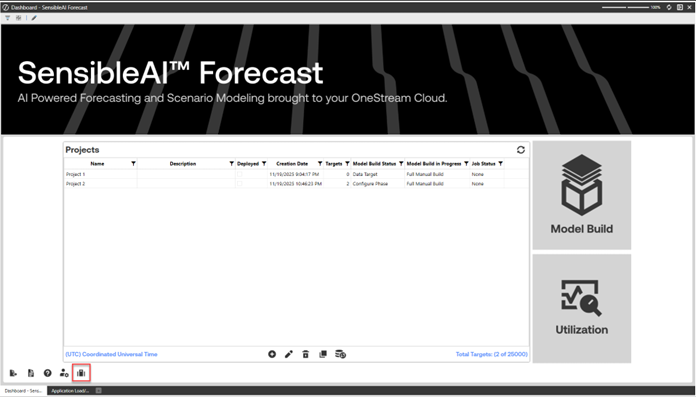
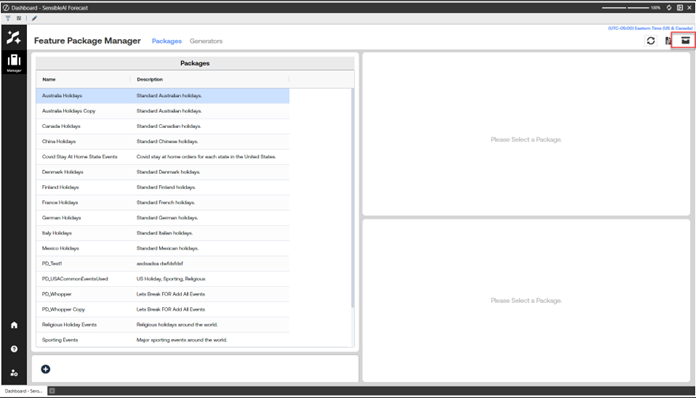
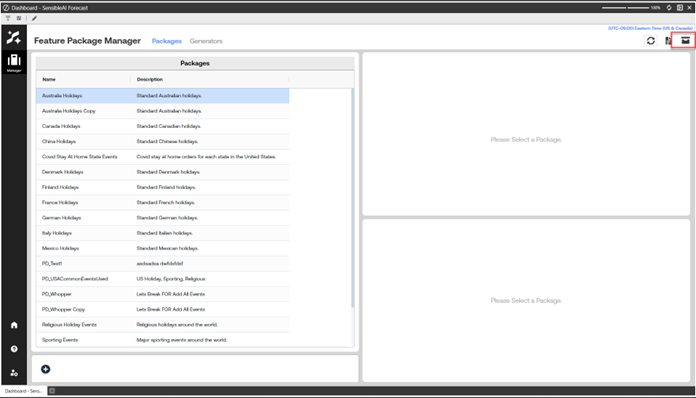
Once Feature Package Manager loads, navigate to the drop box icon.
A dialog will pop up. Select “Import All Event Packages”, and the Import Packages job will start.
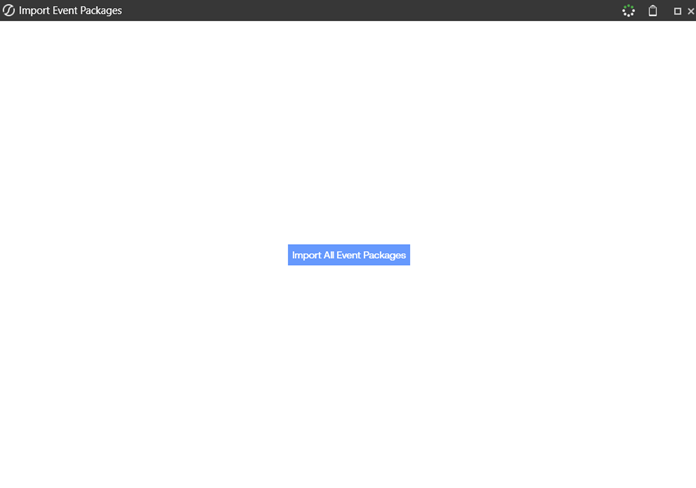
NOTE: This job can be run as many times as needed. If any generator or package that was deleted accidentally from Feature Package Manager can be re-added running the job again.
NOTE: This job does not re-add deleted occurrences from standard event generators. If you wish to re-add that deleted occurrence, delete the generator and run the import event packages job again.
How to Navigate to FPM from the Home Page
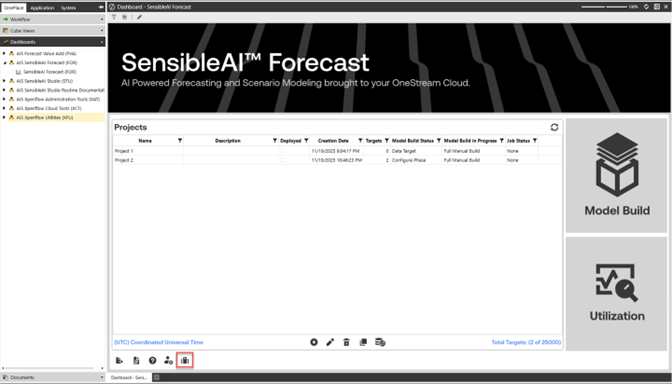
From the SensibleAI Forecast home page, select the Feature Package Manager briefcase icon.
Buttons on the FPM Home Page
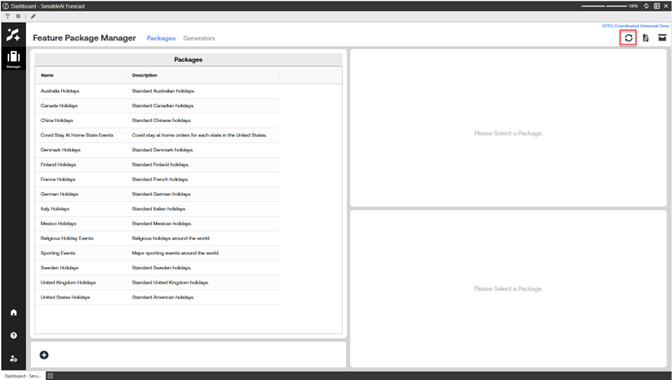
Refresh button: Reloads the Feature Package Manager view, including all tables and panels.
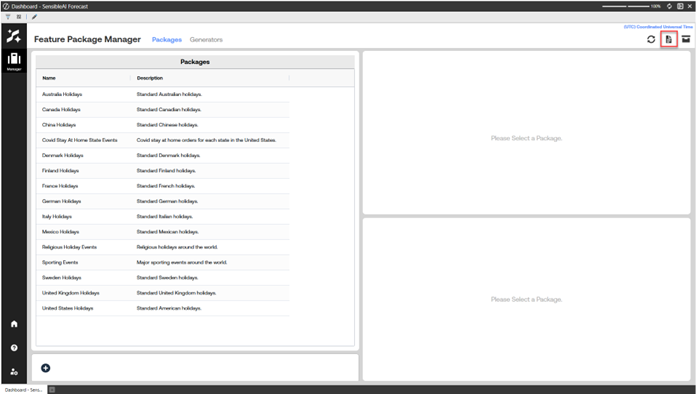
AI Services Log Button: Opens the AI Services Log application.
Drop-box button: Opens the Drop Box utility. Reference Import_Event_Packages for importing event packages for setting up the solution.
Navigating within Feature Package Manager
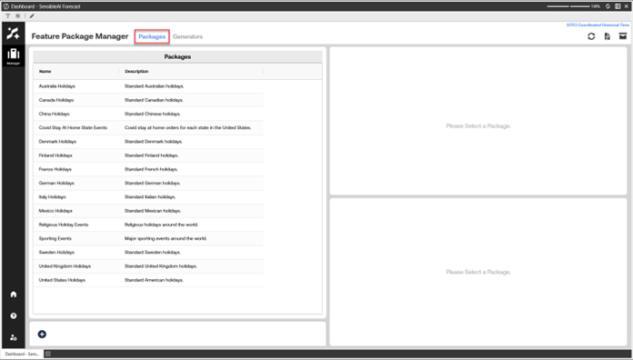
Navigate to the Packages page.
Navigate to the Generators page.