Bulk Selection of Time Periods for Copying
You can select time periods for all journals in a copy job simultaneously. This streamlines the journal copy process, and avoids having to select time periods individually for each journal.
-
Navigate to the Input Journals page.
-
Select the journals you want to copy.
-
Click Copy Journals.
-
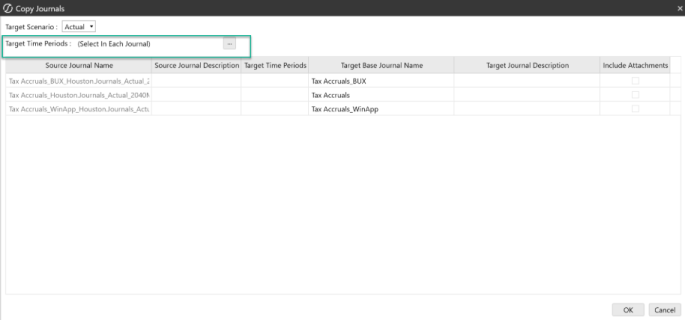
At the top of the Copy Dialog box, select the appropriate target time periods.
-
Click OK.


