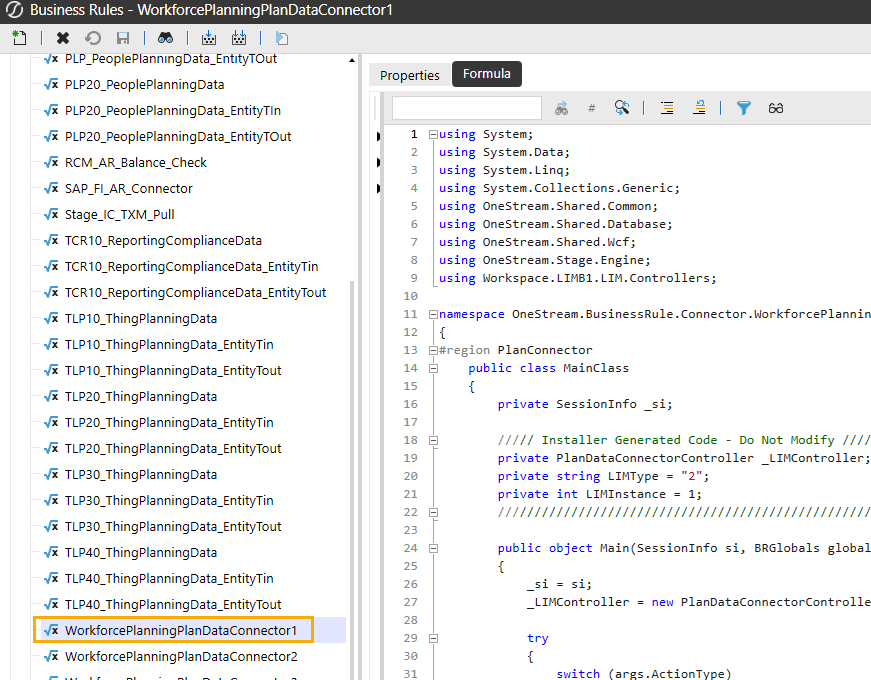
A connector business rule is created automatically when you install the solution and captures relevant column information the entity member definition is assigned to within a plan. That plan data can then be directly imported to a OneStream workflow profile. You will need a corresponding Data Source, Transformation Rule, and Workflow Profile to connect the plan data to the workflow. For example, if you create a Workflow Profile with a scenario type that does not match the selected plan, the data will not populate and you will have to select the correct scenario type.
To access the connector business rule, go to Application > Business Rules > Connector and then locate your planning configuration plan data connector instance. See the example below for the first instance of the Workforce Planning configuration: