Uninstall
To uninstall a planning configuration, follow the instructions:
-
Hover your cursor over the Settings menu.
-
In the drop-down menu, select Uninstall.
-
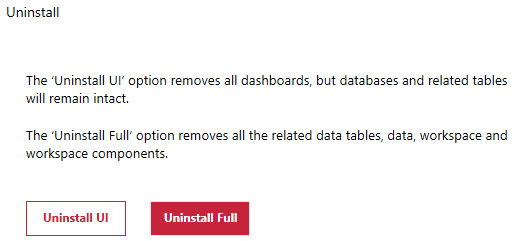
Click the Uninstall Full or Uninstall UI button.
-
Use the Uninstall Full button to remove all related data tables, data, workspaces and workspace components, but retain business rules.
-
Use the Uninstall UI button to remove all dashboards, but retain databases, related tables and business rules.
IMPORTANT: A dialog box will display to confirm if you want to proceed.
NOTE: Business rules and extenders remain if you uninstall. Re-Installing the solution overwrites any existing business rules and extenders.
-


