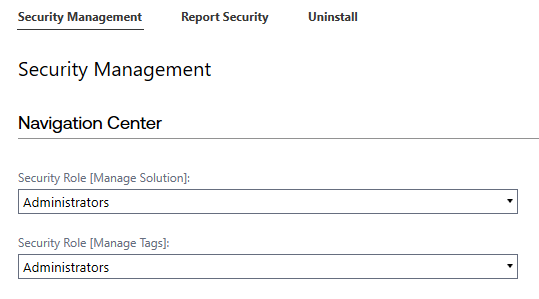
Administrators can use the Security Management settings to determine which groups can manage different parts of the Navigation Center solution. The following options can be set:
Navigation Center:
-
Security Role [Manage Solution]: Determines which security group can manage the solution
-
Security Role [Manage Tags]: Determines which security group can manage tags
Set Security Group Access
-
Select the drop-down menu and choose a security group.
-
Click the Save button.