Follow these instructions to download and import Content Blocks from OneStream Solution Exchange:
-
Go to OneStream Solution Exchange.
-
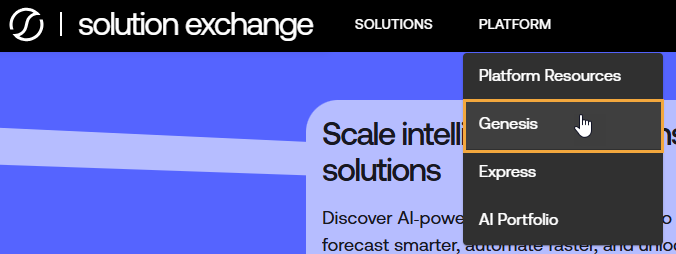
In the top navigation menu, go to PLATFORM > Genesis.
-
On the Genesis page, under Content Blocks, find the Content Block to download, and select the VIEW MORE button.
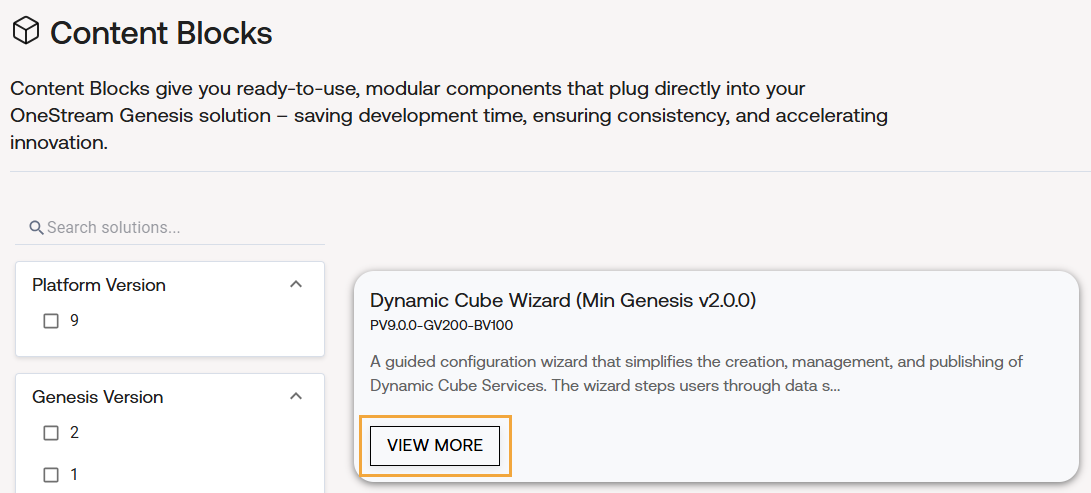
TIP: To find a specific Content Block, use the search field and filters as needed.
-
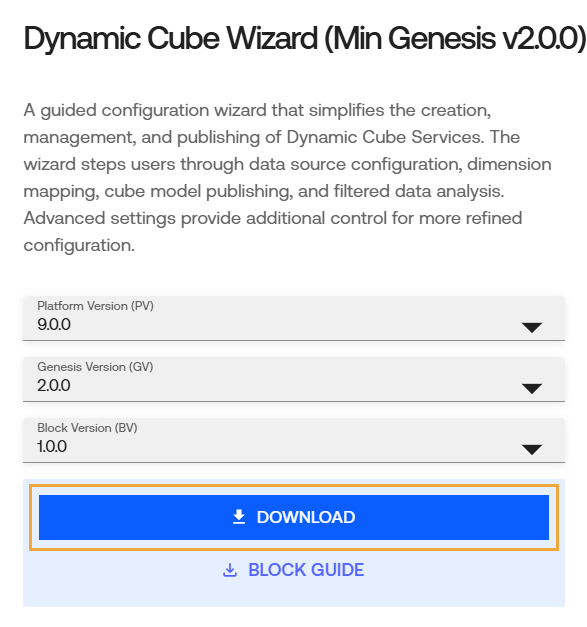
From the drop-down menus, select the appropriate platform, Genesis, and Content Block versions.
-
Select the DOWNLOAD button to download the Content Block.
-
Log in to OneStream.
-
Go to Genesis Designer > Settings > Library Management.
-
Follow the instructions to import a library. See Import a Library.

