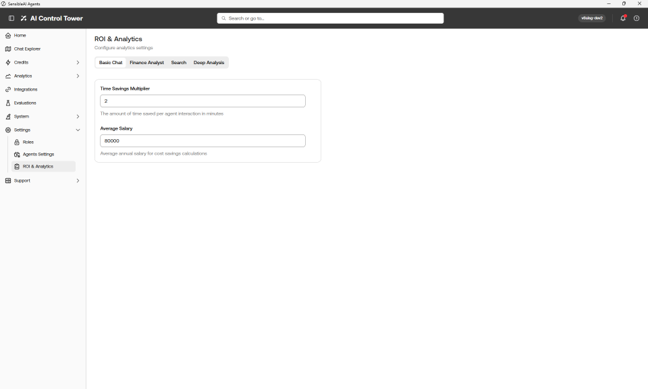
NOTE: This is SAI Administrator+.
Settings includes the following pages:
-
Roles
-
Agents
-
ROI & Analytics
Roles
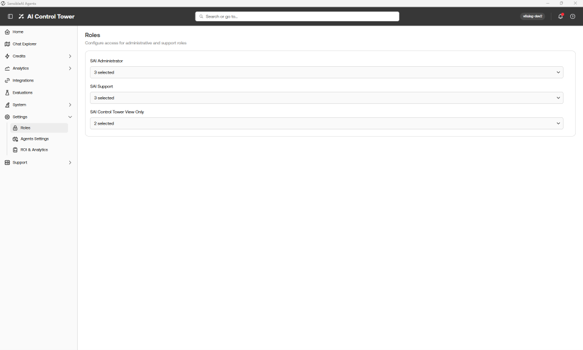
The following roles are mapped to OneStream security groups:
-
SAI Control Tower Viewer: Base read-only access. This role can view Analytics, Credit Overview, Credit History, Explore (Char Reviews and Interaction Explorer), and the Control Tower dashboard.
-
SAI Administrator: Viewer access plus the ability to manage Credit Limits and full Settings (Application, Access, Agents, ROI and Analytics).
-
SAI Support: All Administrator access, plus elevated access to the Data Explorer (Explore) and the entire System section (Document Storage, Audit Logs, Upgrade Portal, Support Task Execution).
-
OS Admin: OneStream platform administrator inherits all Control Tower access.
Agents Settings
This maps Control Tower roles to OneStream security groups and agent access to OneStream security groups (Finance Analyst, Search, and Deep Analysis).
ROI & Analytics
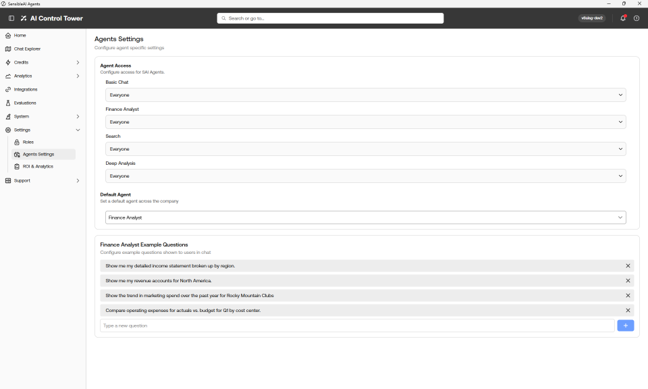
This page enables you to configure inputs saved in Time Savings and Cost Savings:
-
Time Savings Multiplier
-
Average Salary